
Step 6 of 8: Engineers on site
Everything the engineer needs on site, and nothing they don't
Engineers open the app to today's jobs. They take the photos and readings the job needs, sign the construction phase plan on the phone, and never see prices or contracts.
How it runs on a job
What the installer does, step by step
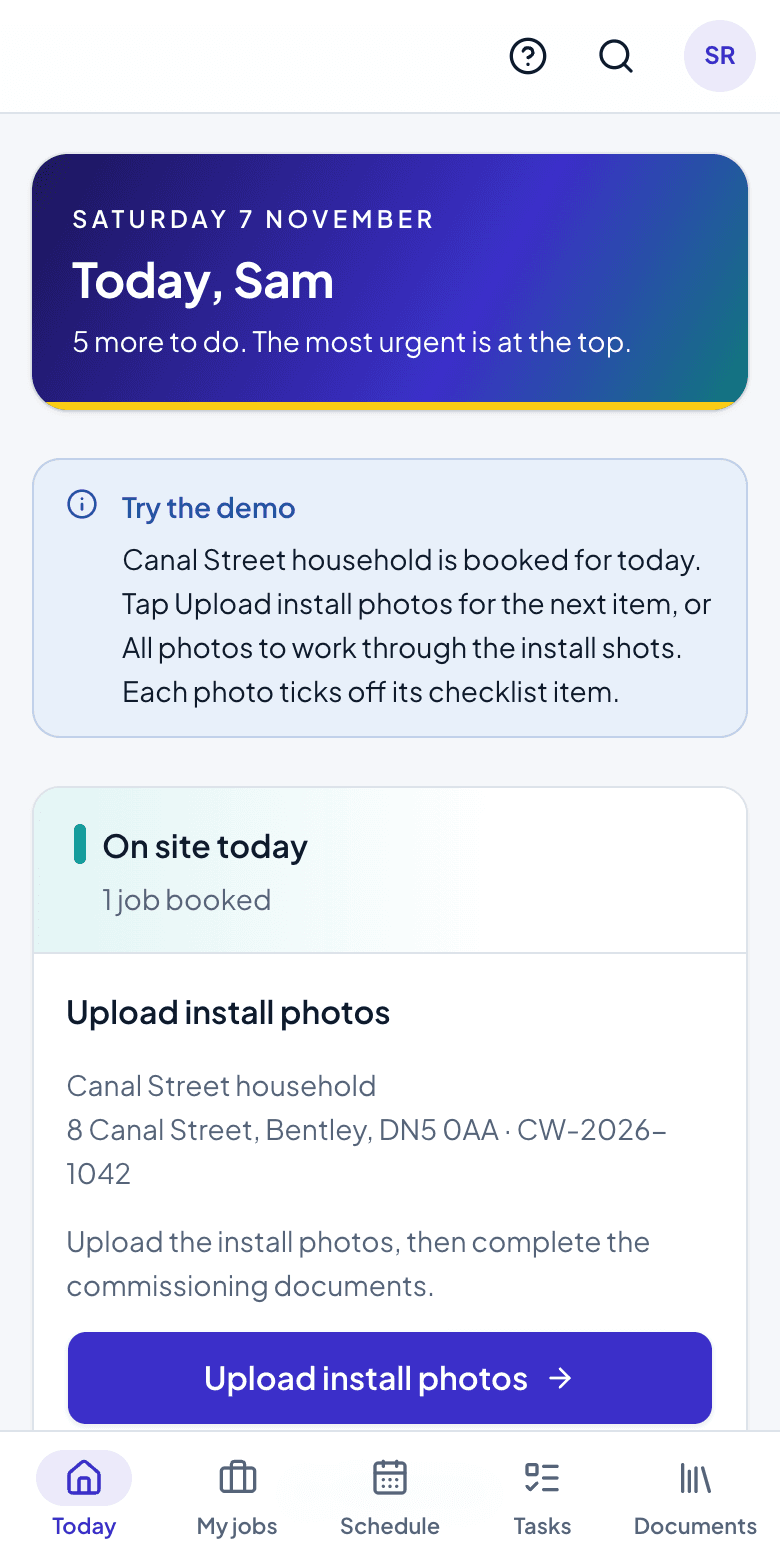
Step 1: Start the day on Today
The engineer opens the app to their jobs on site today: the customer, the address and postcode, the next step and a button for it. Their tasks and the week ahead sit underneath.
Step 2: Open the job
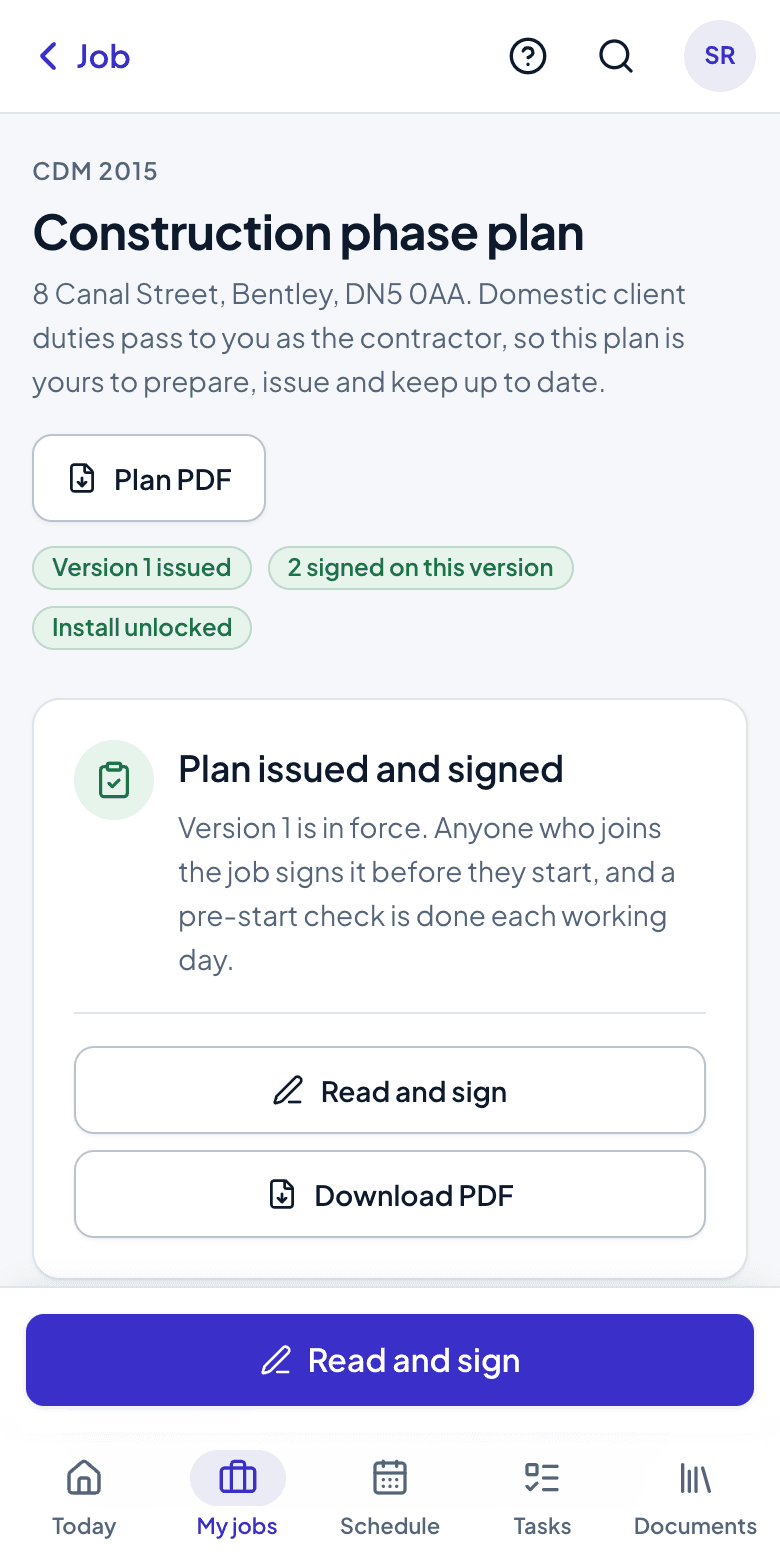
The job page has the site survey, the scaffold brief and the on-site photos, the notes from the office, the construction phase plan and the supplier equipment list, with no prices on it.
Step 3: Sign on to the plan
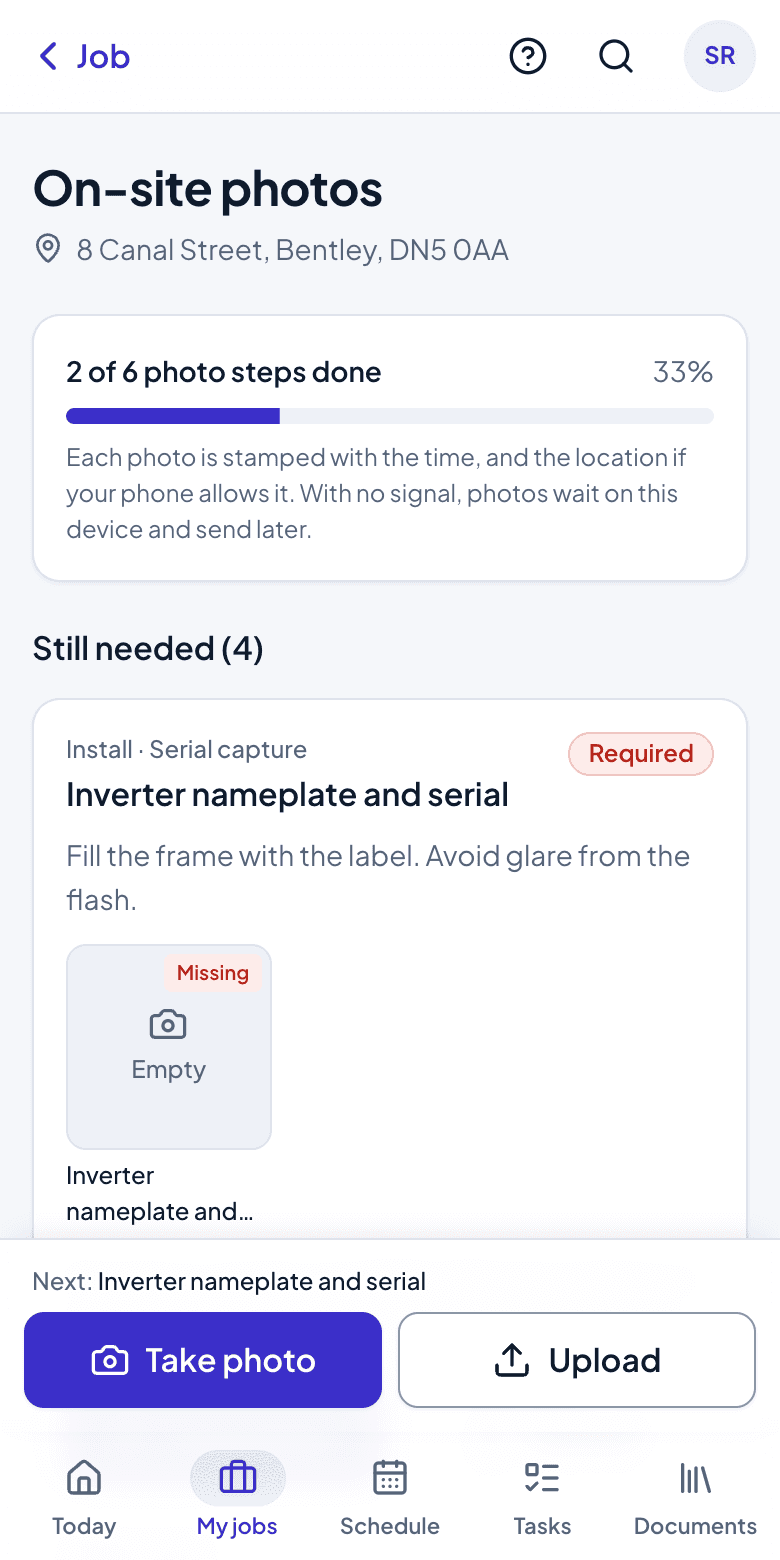
Before the install, the engineer reads the construction phase plan on the phone and signs: name, role, company and a signature drawn on the screen. One phone can sign for a subcontractor who has no account.
Step 4: Do the daily check
Each morning, eight yes, no or not applicable questions: the plan signed, the weather, access, edge protection, isolation, PPE, first aid and changes on site. A note is needed for any No. Toolbox talks record the topic, who attended and what was covered.
Step 5: Take the photos the job needs
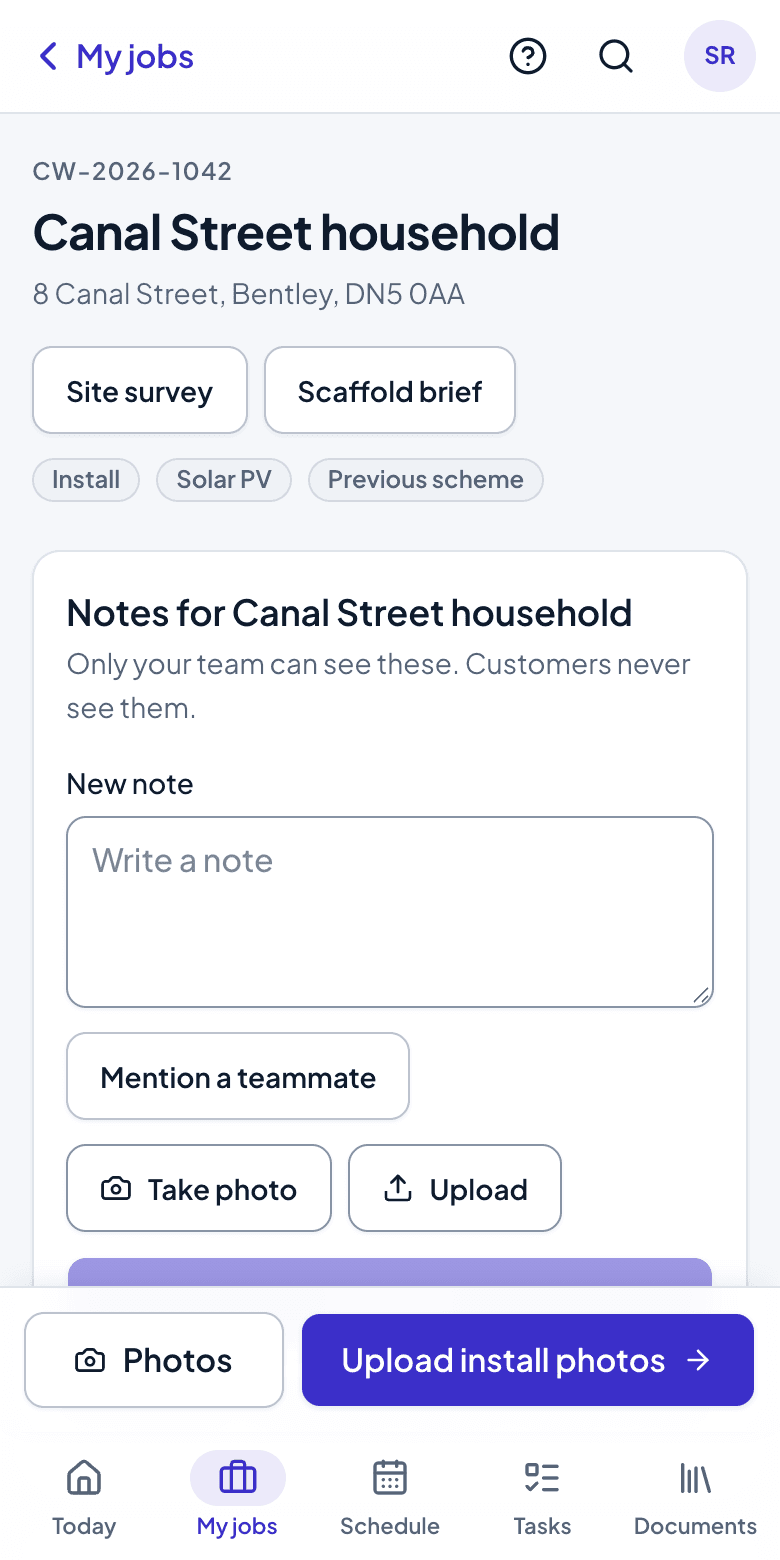
The capture screen lists what is still needed, required items first, and shows how many photo steps are done. A bar at the bottom names the next item with a Take photo button. A blurry or dark photo has to be retaken, or kept with a reason.
Step 6: Carry on with no signal
In a loft with no signal, photos wait on the phone and the screen says how many are saved there. They send themselves when the phone is back online.
Their jobs, their day
An engineer sees Today, their own jobs, the schedule, tasks and documents. The schedule lists their visits with directions, and Documents holds what they need to read and sign.
A job they are not on does not open, and quotes, prices and deposits never show. There are six roles: Admin, Operations, Design, Compliance, Engineer and Sales, with switches for each person.
Photos that wait for a signal
Take several photos at once. Large photos shrink before upload, and every photo carries the time, and the location when the phone allows it.
With no signal they wait on the phone and go up when the signal is back. If a photo can't be saved to the job, the engineer is told, and logging out warns about anything still waiting.
The construction phase plan, signed on site
The office fills in and issues the plan: the people, site arrangements, access and work at height, asbestos and the battery, emergencies with the nearest A&E and the assembly point, hazards with their controls, and method statements.
The plan, daily checks and toolbox talks are on the phone. The install, and every stage after it, stays locked until the plan is issued and signed.
What ends up on the job file
Kept on the job with the rest of its evidence, where your office and your assessor can find it.
- Every photo, with the time, the location when the phone allows it, and whether it passed the blur and light check
- The construction phase plan PDF, with who signed on, the daily checks and the toolbox talks
- The same plan in the assessor zip, under health and safety
- A history of who did what on the job, and when
The screens on this page are a made-up demo company, Copperwick Solar, with made-up jobs and customers.
FAQ
Common questions
Can an engineer change the design on site?
Yes, on a signed job, if you give them the Design switch. Change on the day makes a new quote version. The office checks the money and sends it, and the customer agrees on their phone before handover.
Does it work in a loft with no signal?
The job screens and photo capture keep working. Photos upload when the phone has signal again.